
|

|
 |
||||||||||||
| Warnings & Precautions | ||||||||||||
 Do Not : Do Not :1.Block device ends or it will overheat and cause hazards. 2.Disassemble the device or it will void the warranty. 3.Leave in cars or temperature changes will cause damage. 4.Look into the light or it will damage your eyes. 5.Clean with organic solvents or it will dissolve materials. 6.Overcharge the device or it will degrade the battery.  Stay Alert : Stay Alert :1.Handle with care to ensure long-term operation. 2.Consult your doctor to ensure safety if wearing a pacemaker. 3.Avoid dust, heat, and humidity to protect internal components. 4.Charge at one remaining light to extend battery life. 5.Supervise children during use to ensure safety. 6.Use the included magnetic cable to prevent charging port damage. Before Use Check Contents & Register : 1.Inspect product immediately to ensure no damage or missing parts. Take photos or videos to report any damage to customer service. 2.Check the back cover to compare items with the content list. Scan the official QR code to register and secure your warranty. Operation Connect Magnetic Charging Cable : Attach the included cable to the magnetic head to start charging. Check the indicator light to ensure it flashes normally. Keep the magnetic connector attached to prevent charging port damage from standard Micro USB cables. Power On Switch power to "On" to check the flashing indicator light. Verify the LCD screen to confirm the current working status. Inspect the device to ensure no smoke or unusual odor. 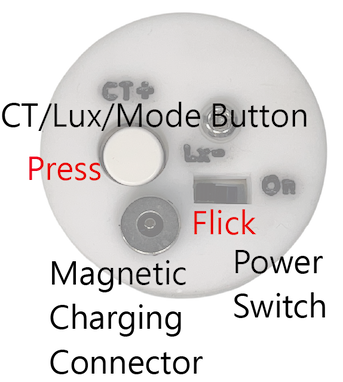 Switching Modes Press “CT/Lux/Mode Button” once to switch from "3D Sensing" to "Keep Glowing". Press Mode button again to switch to "Take a Break" and view serial number. Hold “CT/Lux/Mode Button” for 3 seconds during sleep to return to "3D Sensing". Leave device alone to let the cooling fan. 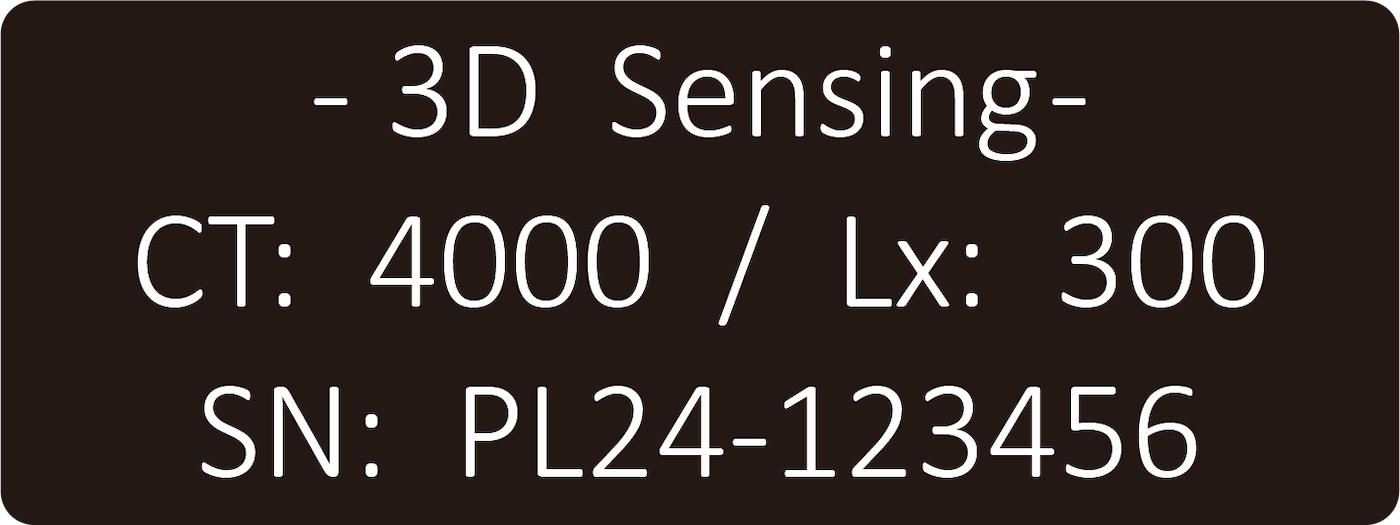 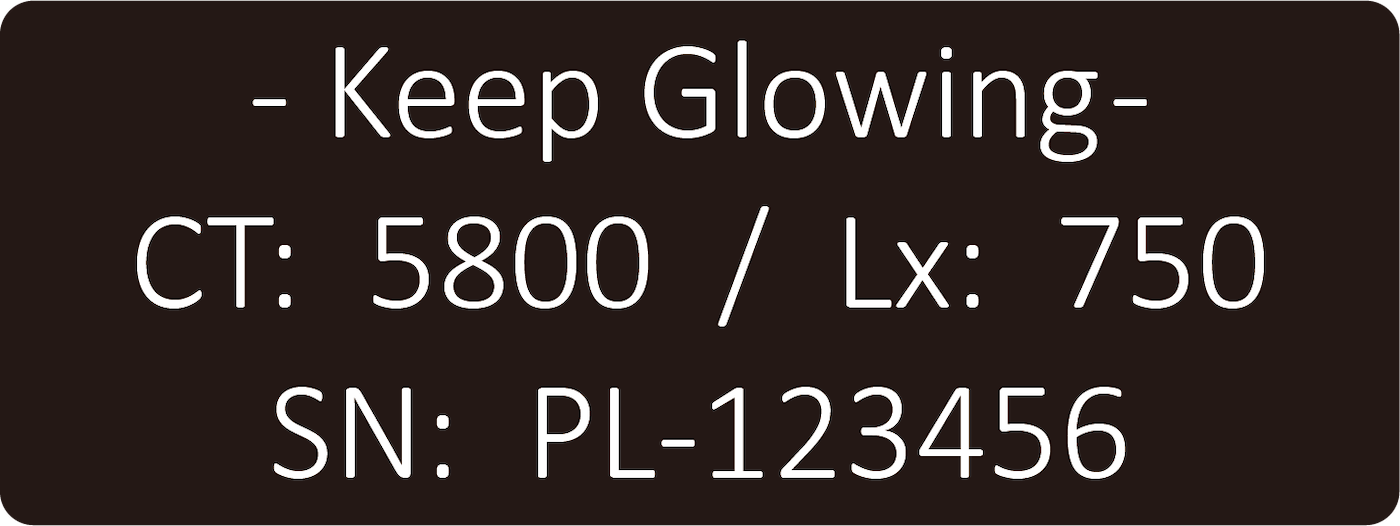 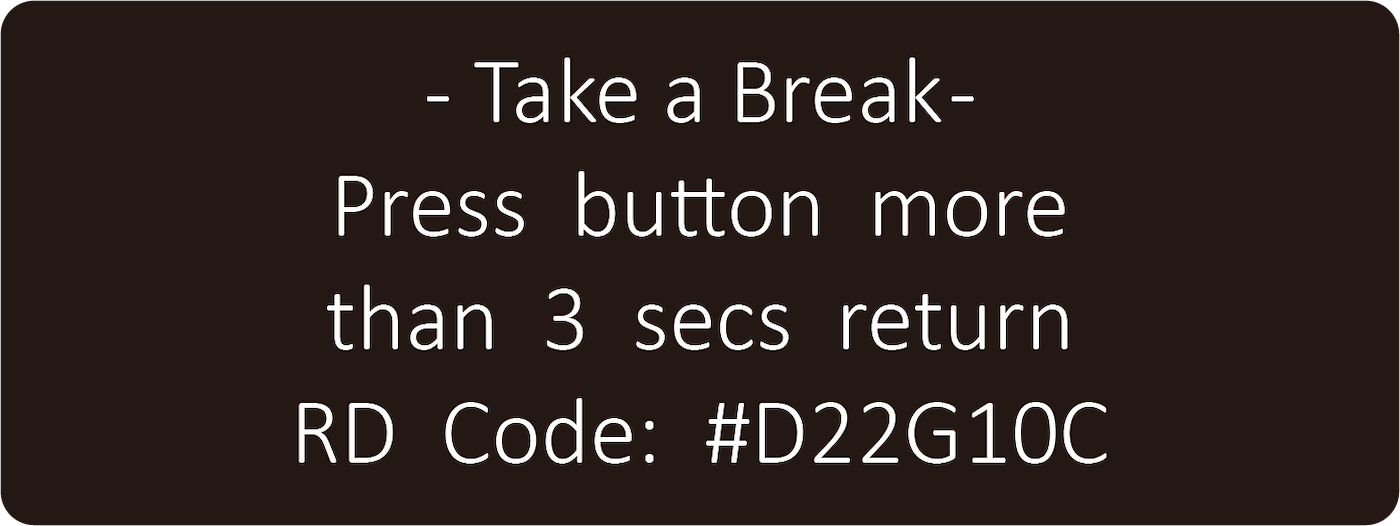 Checking 3D Sensing Tilt the device gently in all directions to test the sensors. Verify the light to ensure it automatically turns on and off with angle changes. Checking Keep Glowing Mode Toggle the “CT/Lux/Mode Button” adjustment switch left to increase or right to decrease brightness (200–800 Lux). Observe the changes across 13 levels in total with 50 Lux increments. Turn to the back side to check if the fan starts automatically above 300 Lux. Keep the fan uncovered to ensure proper heat dissipation and operation. 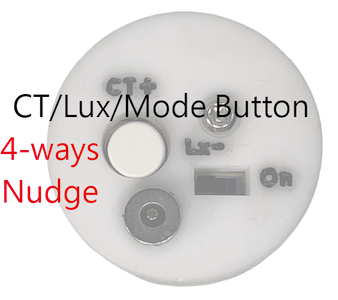 Adjusting Color Temperature Toggle the “CT/Lux/Mode Button” adjustment switch up to increase or down to decrease color temperature (4000–6000K). Observe the changes across 16 levels in total with 100K increments. Verify the LCD and light surface to confirm accurate output adjustments. Ambient light, tinted eyewear, and personal vision may affect actual visual perception. 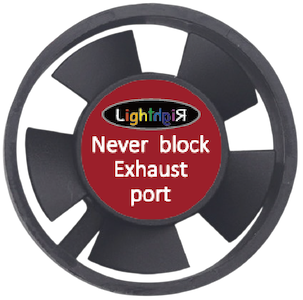 Powering Off Switch power to "Off" to shut down the device completely. Use "Take a Break" for short breaks to avoid resetting your brightness and color temperature. Wait a few minutes before storage to let the residual heat dissipate. Settings will reset upon power off. The charging indicator will turn off automatically after a short delay, and the fan stops immediately. Attaching to HandMade Fabric Apron Lay the "HandMade Fabric Apron" flat on a table before installation. Secure the device using the left and right "Hook and Loop Fastener" inside the buttonholes. Verify the fit is tight to ensure the device will not loosen. Put on the apron only after the device is securely mounted to prevent accidental drops. |
||||||||||||
| Troubleshooting, Safety & Improvements | ||||||||||||
 Don't Panic. Simple Fixes : Don't Panic. Simple Fixes :No Power or Any Response? 1.Battery is empty - Charge the device fully before reuse. 2.Switch not fully toggled - Reset the power switch and try again. 3.Issue persists - Contact service team for repairs immediately. Screen is on, but light is off? 1.Change the device angle - default mode is "3D Sensing" (try facing the light downward). 2.Wait 30 seconds - turn off the power, then restart the device. 3.Issue persists - Contact service team for repairs immediately. Light is on, but LCD screen is off? 1.Wait 30 seconds - turn off the power, then restart the device. 2.Check the environment - move to a standard indoor room if temp/humidity is too extreme. 3.Issue persists - Contact service team for repairs immediately. Abnormal fan operation during use? 1.Clean the blades - use a cotton swab to clear any dust or debris. 2.Increase brightness - the fan only runs when settings are above 300 Lux. 3.Leave device alone - the fan runs temporarily during "Take a Break" to cool down. 4.Issue persists - Contact service team for repairs immediately. Charging indicator not flashing when plugged in? 1.Switch the charger - use an alternative 2A/10W power adapter. 2.Change the cable - try another magnetic charging cable or magnetic connector. 3.Try another outlet - plug the charger into a different wall socket. 4.Issue persists - Contact service team for repairs immediately. Four indicators not fully lit after overnight charging? 1.Reattach the connection - ensure the magnetic cable and connector snap firmly together. 2.Change the cable - try another magnetic charging cable or magnetic connector. 3.Upgrade the charger - use an alternative adapter that strictly provides 2A/10W or more. 4.Issue persists - Contact service team for repairs immediately. Missing, damaged, or lost parts? 1.Non-human damage or missing parts : Within warranty - provide proof and contact service team. Expired warranty - purchase new parts or request repair. 2.Lost parts or human-caused damage - purchase new parts or request repair regardless of warranty. Crushed, dropped, water-damaged, loosened, or foreign objects inside? 1.Purchase new parts or request repair - applies regardless of warranty conditions. Abnormal noise, deformation, smoke, fire, or explosion regardless of cause? 1.Secure personal and property safety first - keep causal evidence if possible and contact service team immediately. Unsatisfied, below expectations, or inconsistent with advertising? 1.Contact customer service - list operational issues and provide improvement suggestions. Receive a special gift - we will notify and reward you if your suggestions are adopted. Feature not included but practically needed? 1.Contact customer service - list required functions and provide upgrade suggestions. Receive exclusive rewards - get a special gift and potential free trials of new versions if adopted. |
||||||||||||
| After Use |
||||||||||||
|
Turn off the device to save battery and prevent heat damage in enclosed spaces. Wipe away sweat and dirt using delicate tissue, Place the device gently back into the protective tube. Welcome to browse the product demonstration video : |
||||||||||||
|
||||||||||||




